$53.88
$75.97
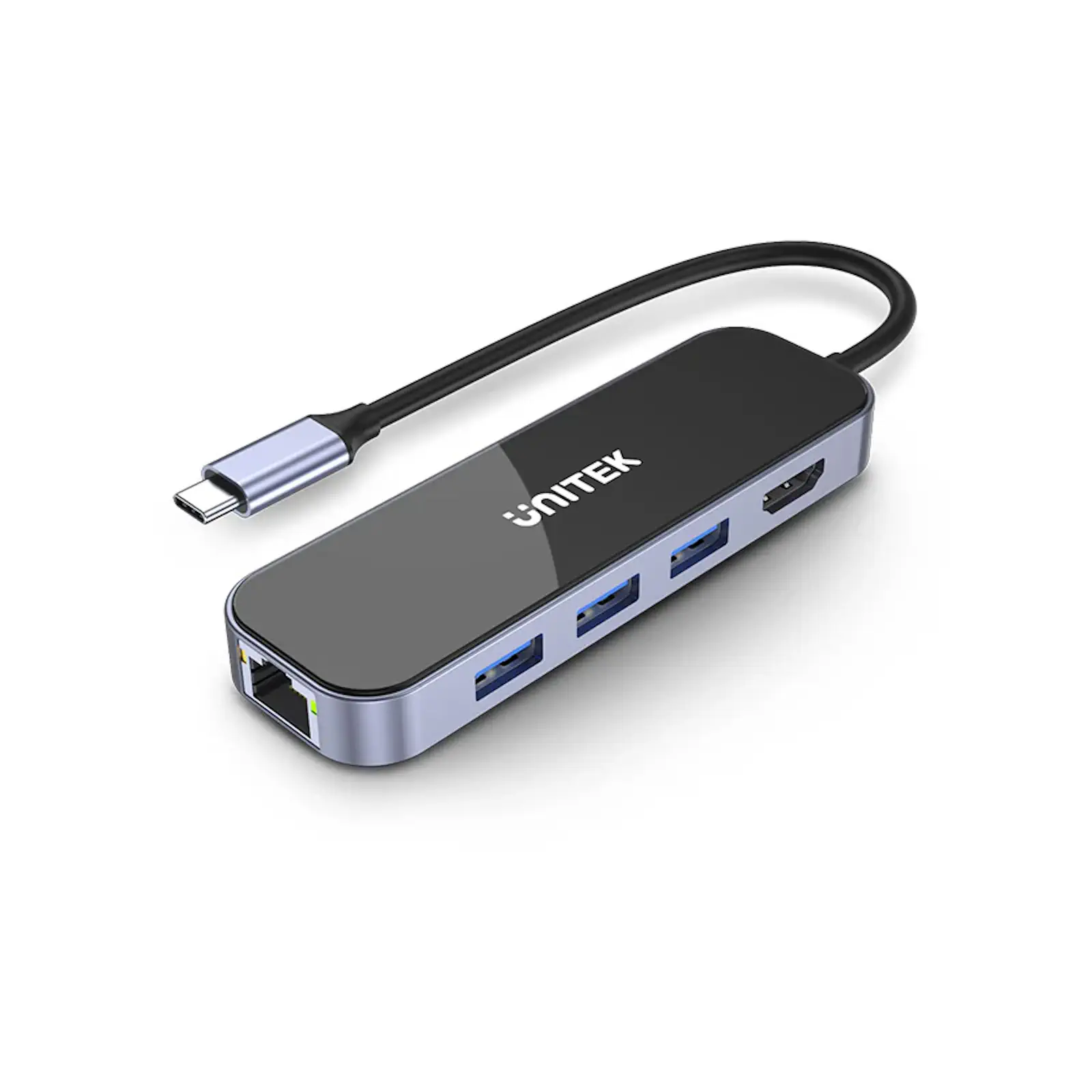
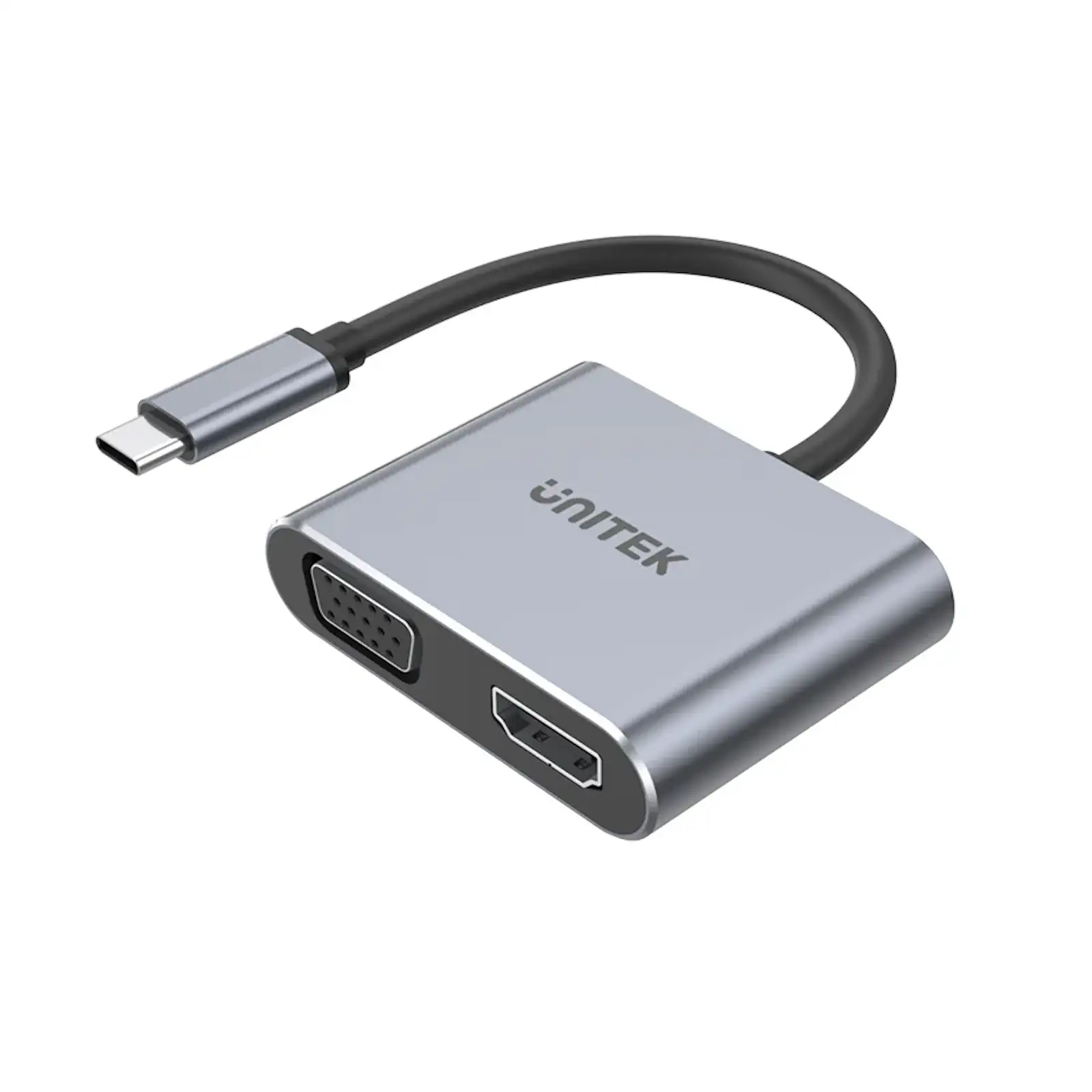
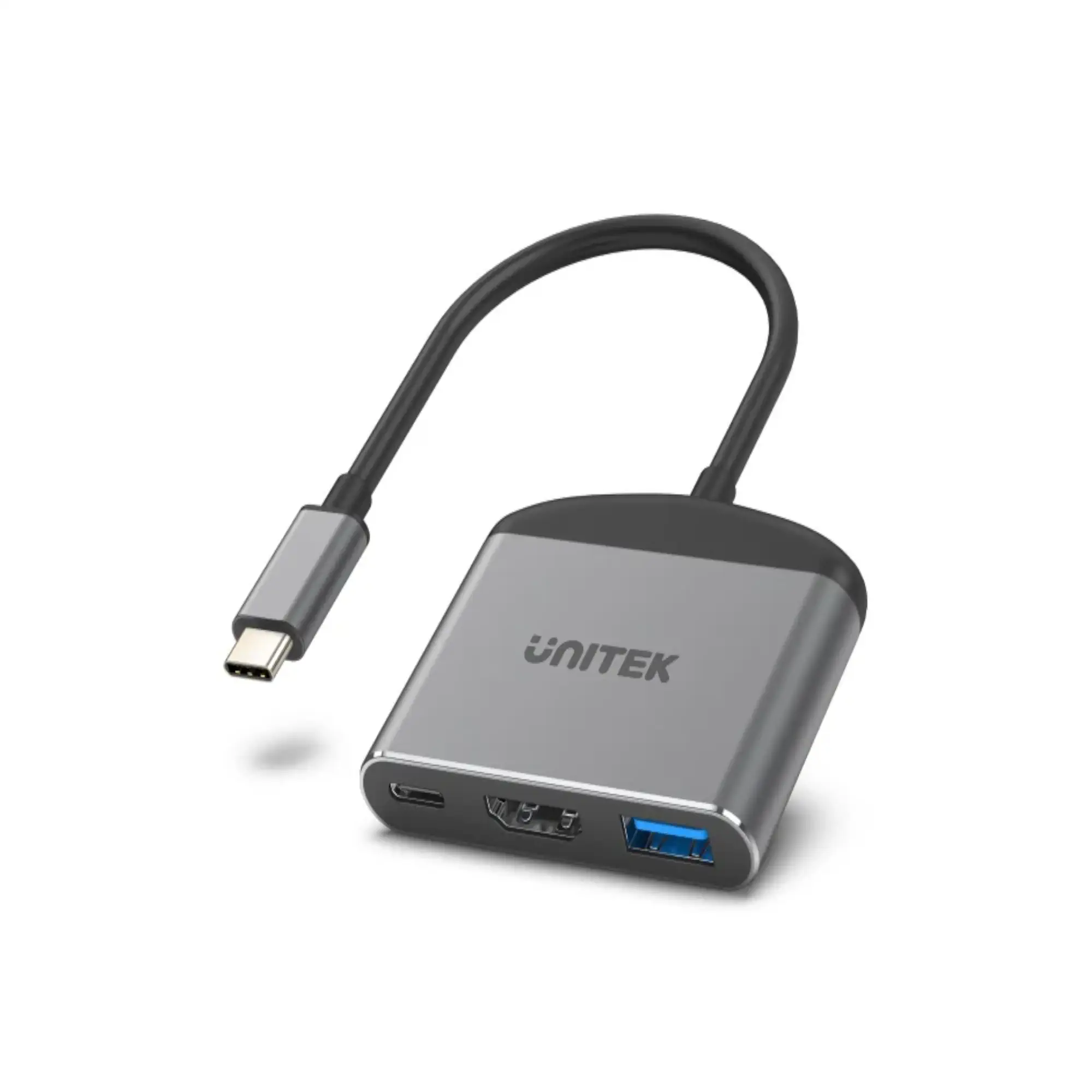
Description UNITEK D1084A uHUB H6 Gloss 6-in-1 USB-C Hub – HDMI 4K@30Hz, 3x USB-A 3.0, Gigabit Ethernet, 100W PD, Aluminum-Alloy Frame, Compatible with Laptops, Tablets, and More (Black & Space Grey) The UNITEK D1084A uHUB H6 Gloss 6-in-1 USB-C Hub is the ultimate solution for expanding your USB-C port into a versatile workstation. Whether you need to connect an external monitor, transfer data, or charge your device, this hub offers everything you need in one compact and stylish device. With HDMI 1.4 support, the uHUB H6 delivers Ultra HD 4K resolution at 30Hz, perfect for presentations, streaming, or extending your display. The three USB-A 3.0 ports provide high-speed data transfer up to 5Gbps, while the Gigabit Ethernet port ensures stable and fast wired internet connectivity. The UNITEK uHUB H6 also features 100W Power Delivery, allowing you to charge your laptop or device while using the hub. Its premium design, featuring an obsidian black tempered glass panel and aluminum-alloy frame, ensures durability and a sleek, modern look. Compact and portable, this hub is perfect for professionals, students, and travelers. Its 15cm cable provides flexibility for various setups, making it ideal for home, office, or on-the-go use. Specifications Dimensions: 110.5mm x 34.7mm x 13.4mm Material: Tempered glass surface & aluminum-alloy frame Color: Black & Space Grey Cable Length: 15cm Upstream Port: USB-C Downstream Ports: 1 x HDMI (4K@30Hz) 3 x USB-A 3.0 (5Gbps) 1 x USB-C PD (100W) 1 x Gigabit Ethernet (10/100/1000Mbps) Compatibility: USB-C laptops, tablets, and devices (e.g., MacBook, Dell, HP, etc.) FAQs What devices are compatible with this USB-C hub? It is compatible with USB-C laptops, tablets, and devices, including MacBook, Dell, HP, and more. Does this hub support 4K resolution? Yes, it supports HDMI 1.4, delivering Ultra HD 4K resolution at 30Hz. How many USB-A ports does this hub have? It has three USB-A 3.0 ports with transfer speeds up to 5Gbps. Does the hub support Power Delivery? Yes, it provides up to 100W (20V/5A) of power delivery for charging your laptop or device. Can I use this hub for wired internet? Yes, it includes a Gigabit Ethernet port with 10/100/1000Mbps bandwidth. Is the hub durable? Yes, it features a tempered glass surface and aluminum-alloy frame for durability and a premium look. What is the length of the cable? The cable is 15cm long, providing flexibility for various setups. What is included in the package? The package includes 1 x uHUB H6 Gloss 6-in-1 USB-C Hub and 1 x User Manual. Can I use this hub with an Apple M1-based Mac? Yes, but note that Apple M1-based Macs support only one external display. For multiple displays, consider a DisplayLink-based hub. Does the hub support dual monitors? No, it supports only one external display via HDMI. For dual monitors, a DisplayLink-based hub is recommended. Troubleshooting Tips USB Devices Not Detected in Windows Press Windows Key R, type devmgmt.msc, and press Enter. Under Universal Serial Bus controllers, check if your USB hub is listed without an exclamation mark. Ensure the USB device is listed according to its chipset or dedicated name. USB Devices Not Detected in macOS Click the Apple icon -> About This Mac -> System Report. Under Hardware, check USB to see if your device is listed. Refresh the page by pressing Command R if needed. External Monitor Disconnects After Sleep Mode (Windows) Press Windows Key X -> Control Panel -> Power Options. Click Change plan settings -> Change advanced power settings. Expand USB settings -> USB selective suspend setting and set it to Disabled. Click OK and reconnect the hub if necessary. Mouse Not Moving Properly Between Displays Rearrange the monitors in Display settings to match their physical location. Drag the monitor icons to align with your setup. Mirroring Primary Display in Windows Go to Control Panel -> Display -> Adjust Resolution. Under Multiple displays, select Duplicate these displays.
Unitek Multifunction Hub