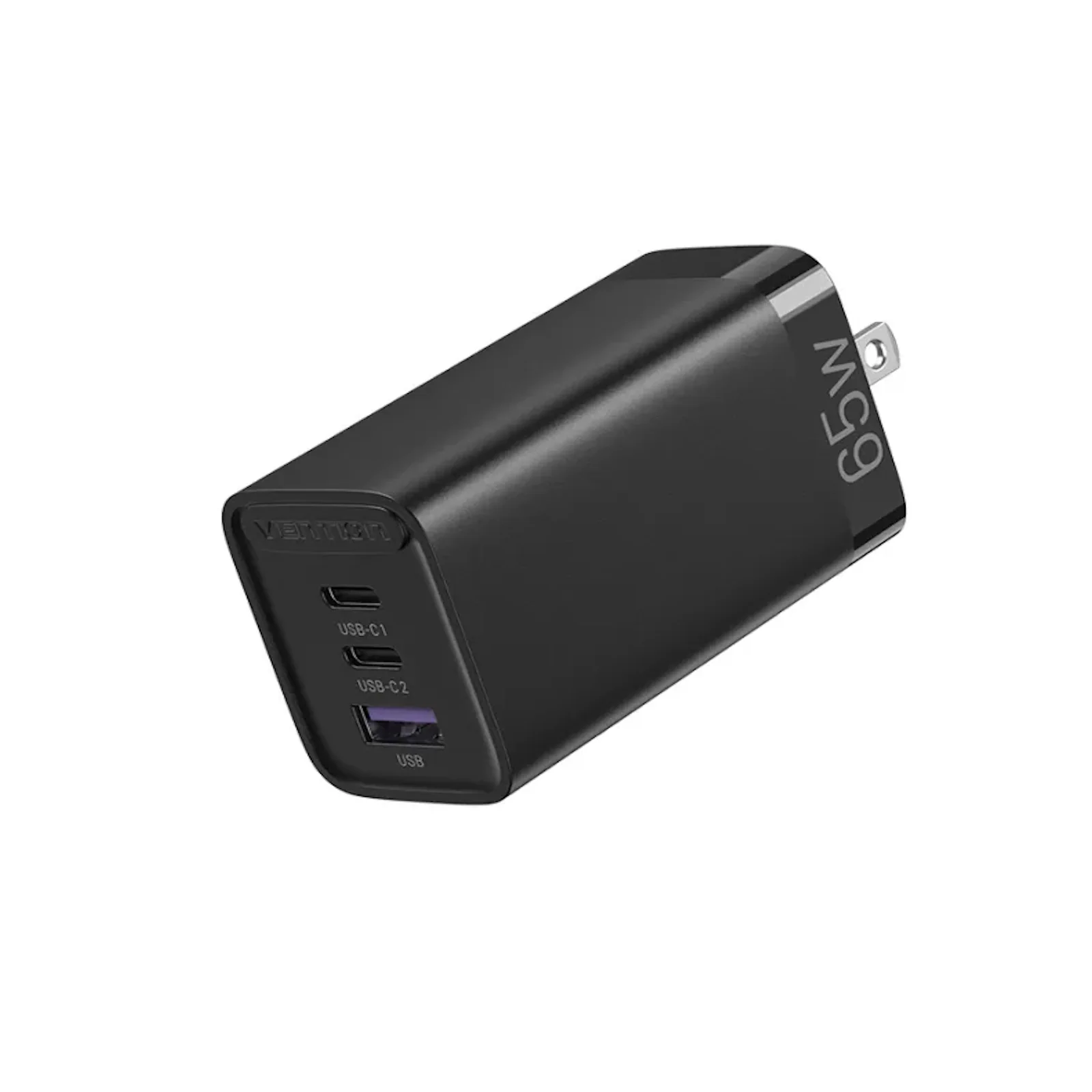
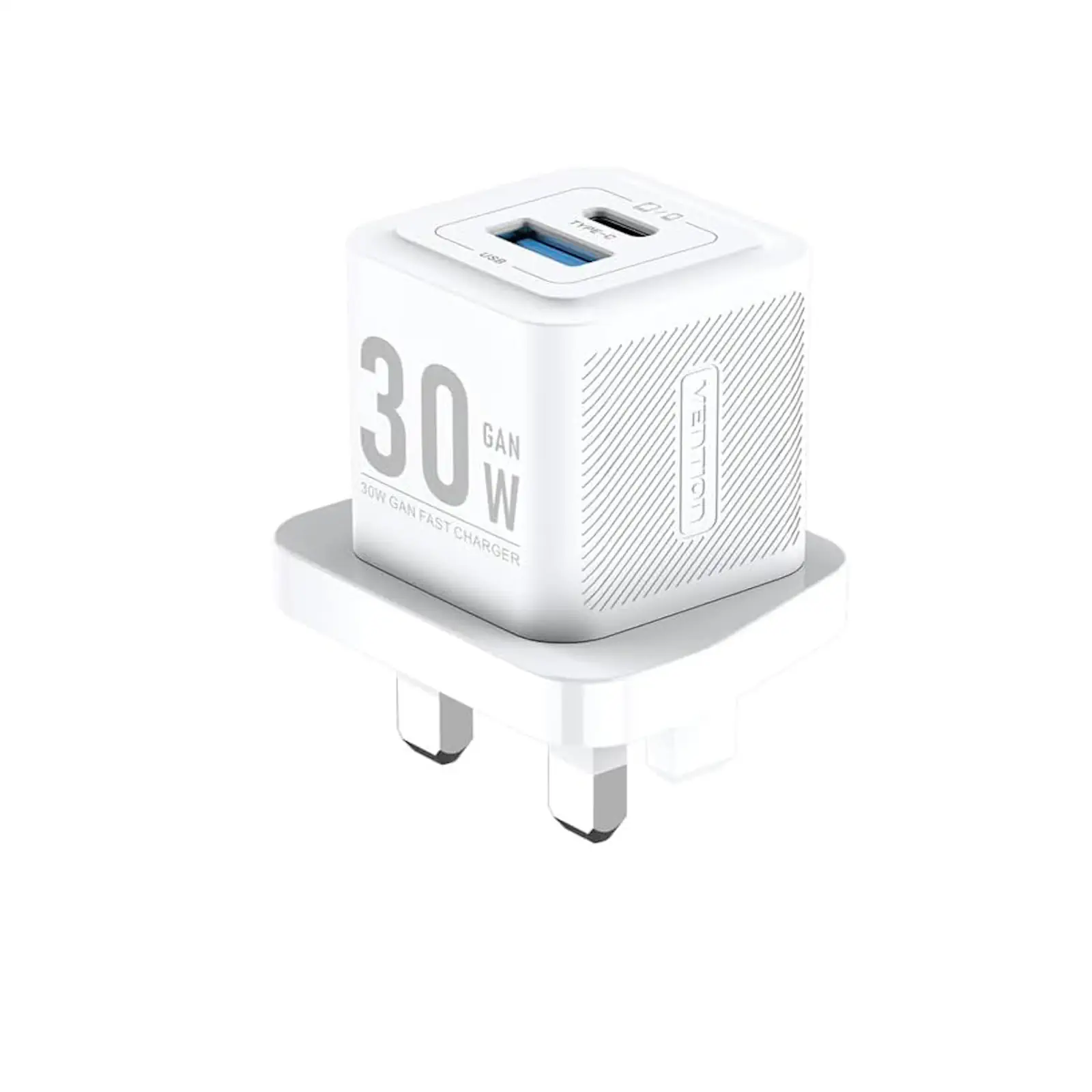
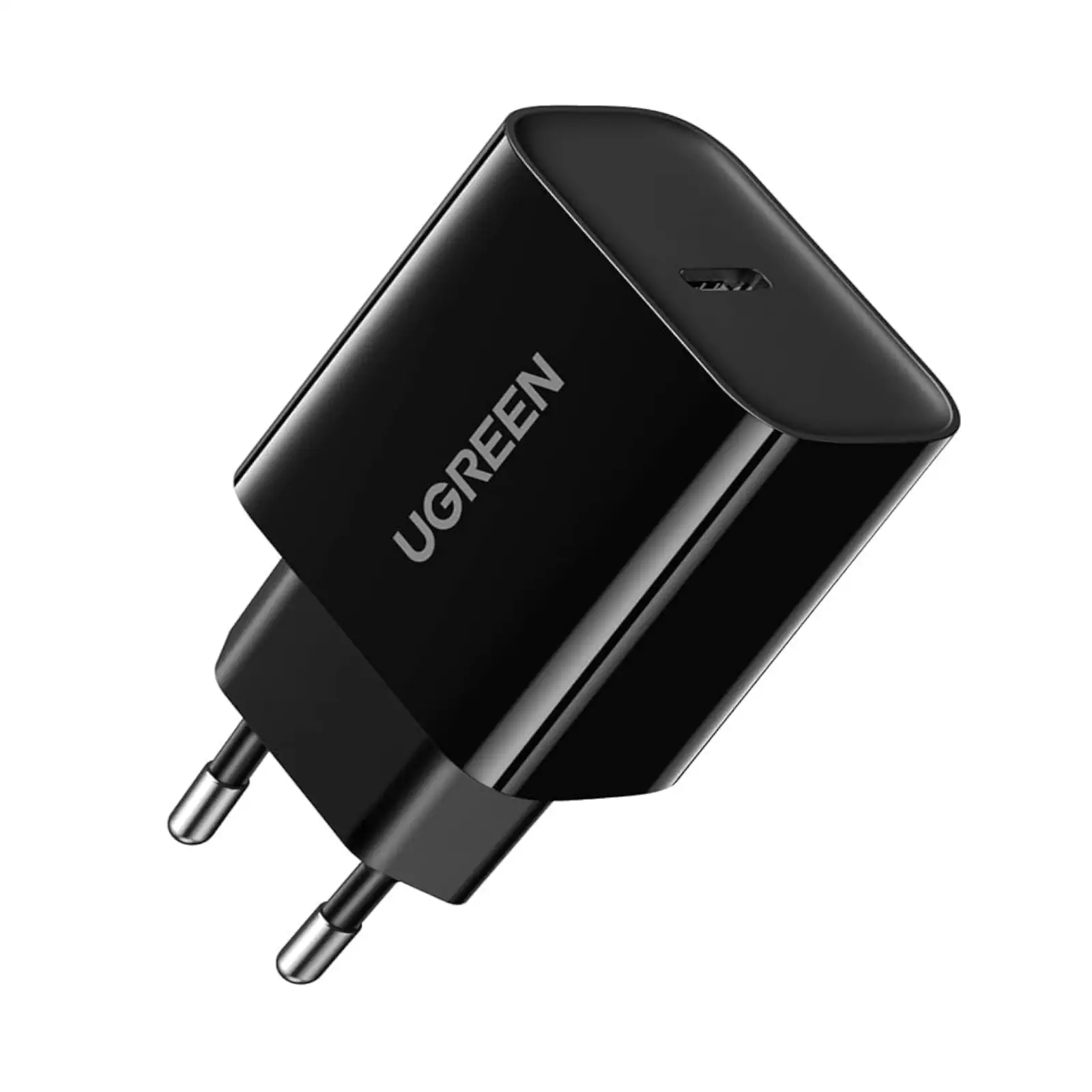
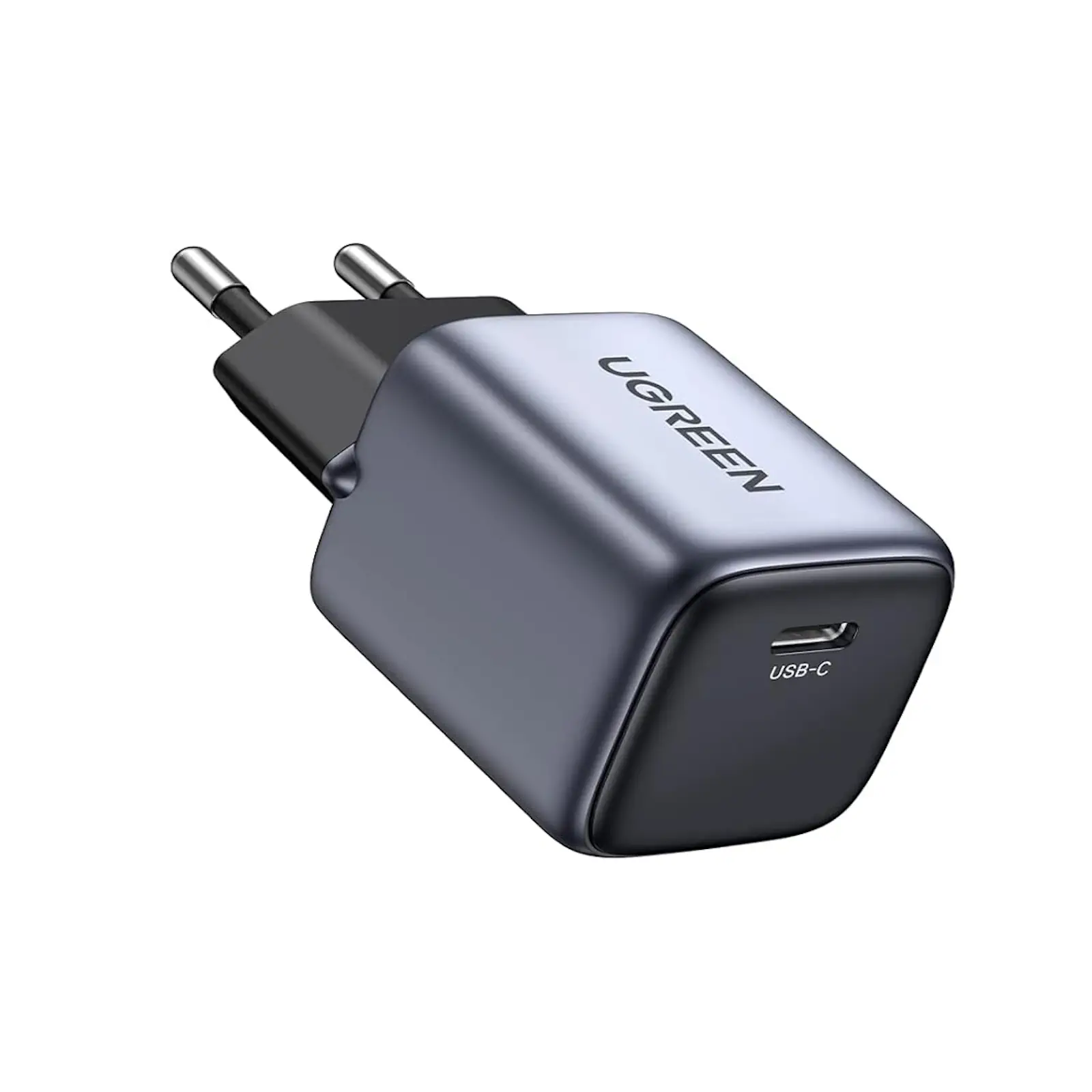
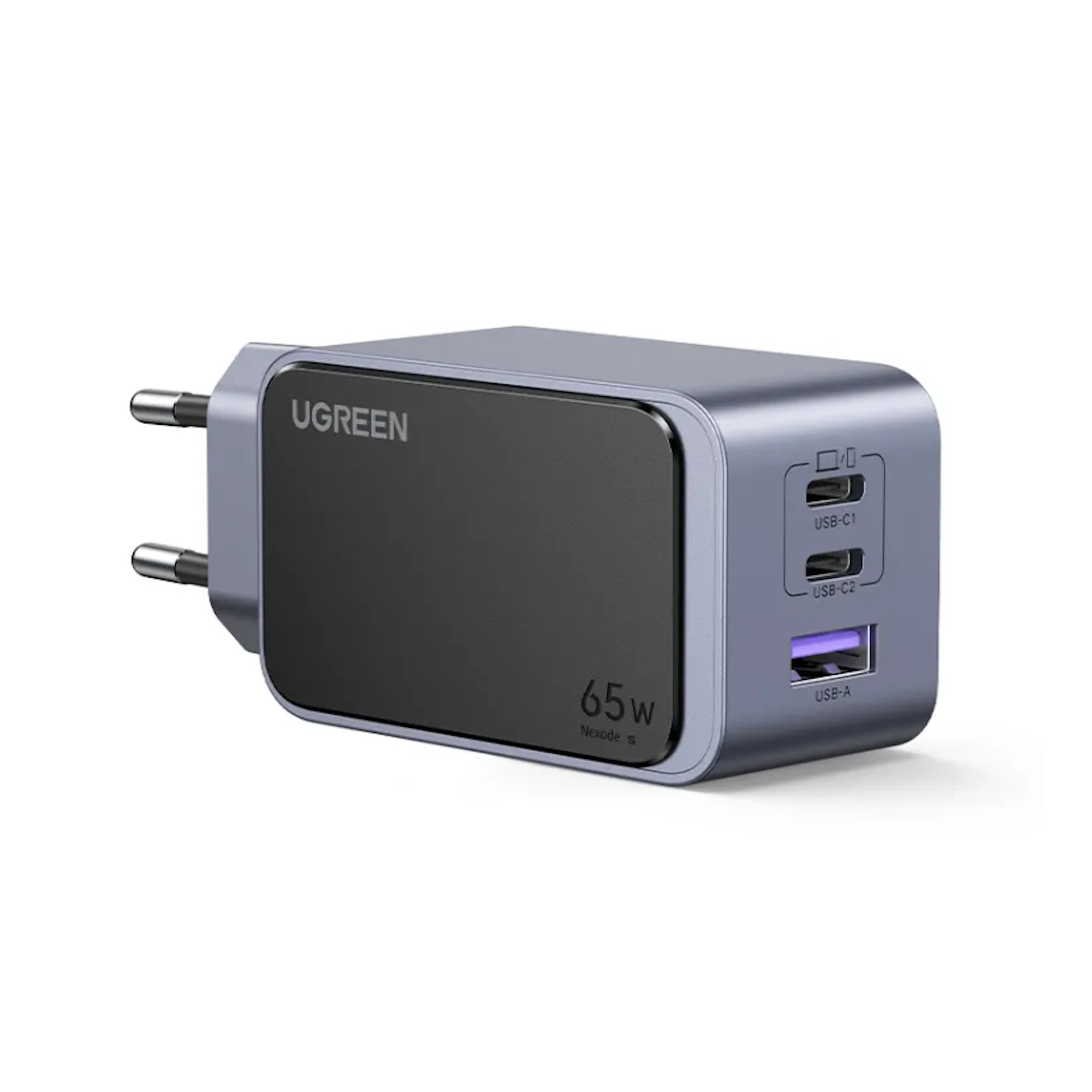
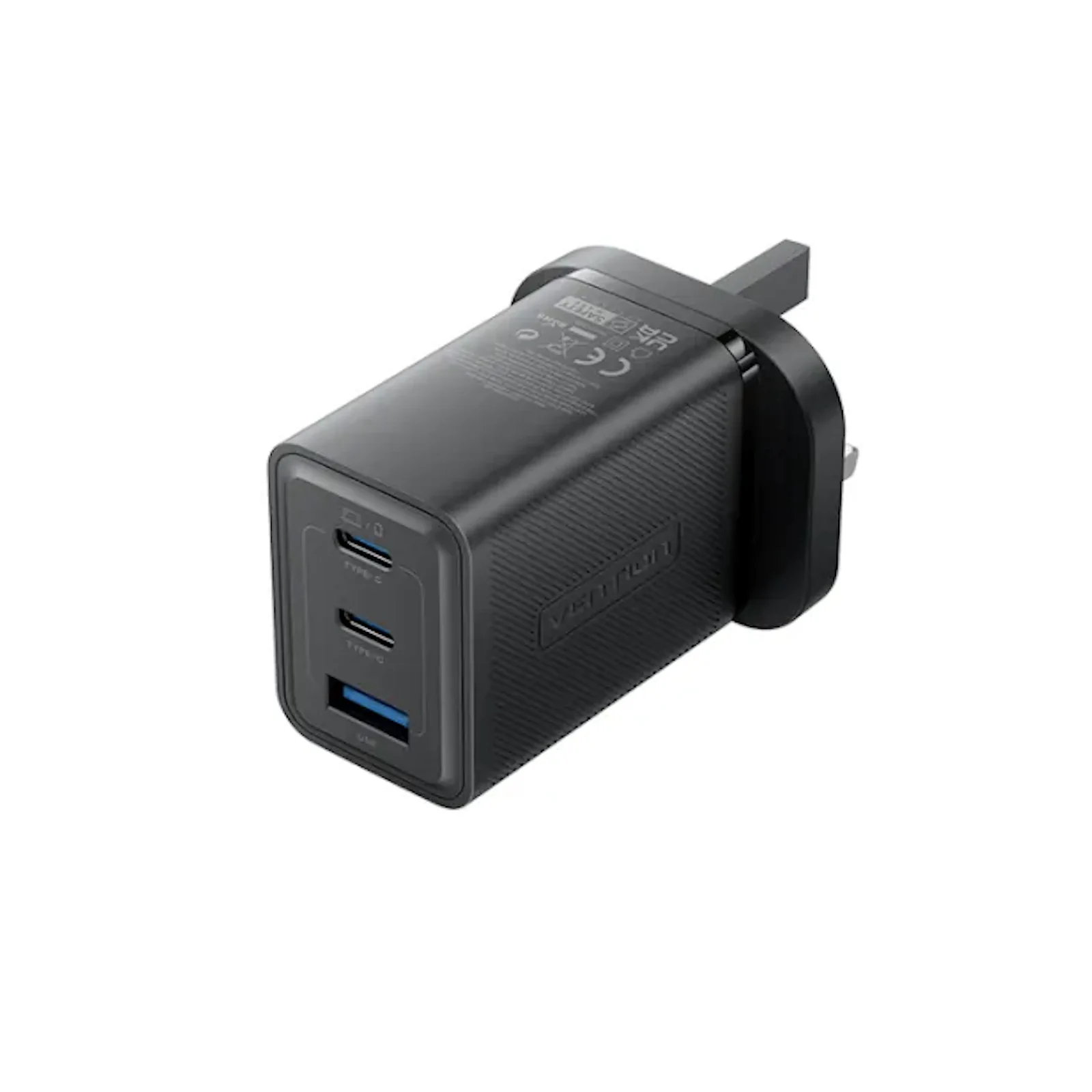
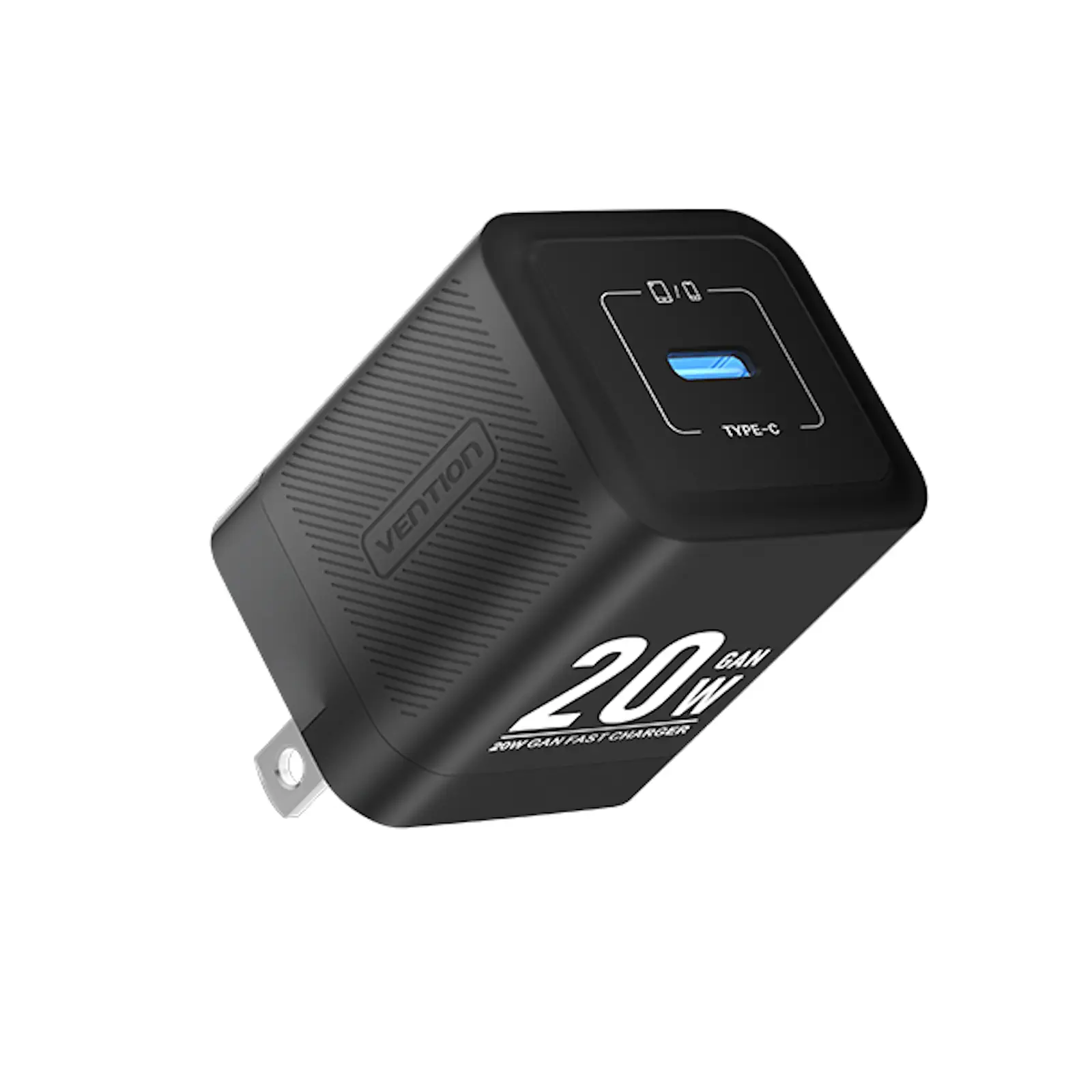
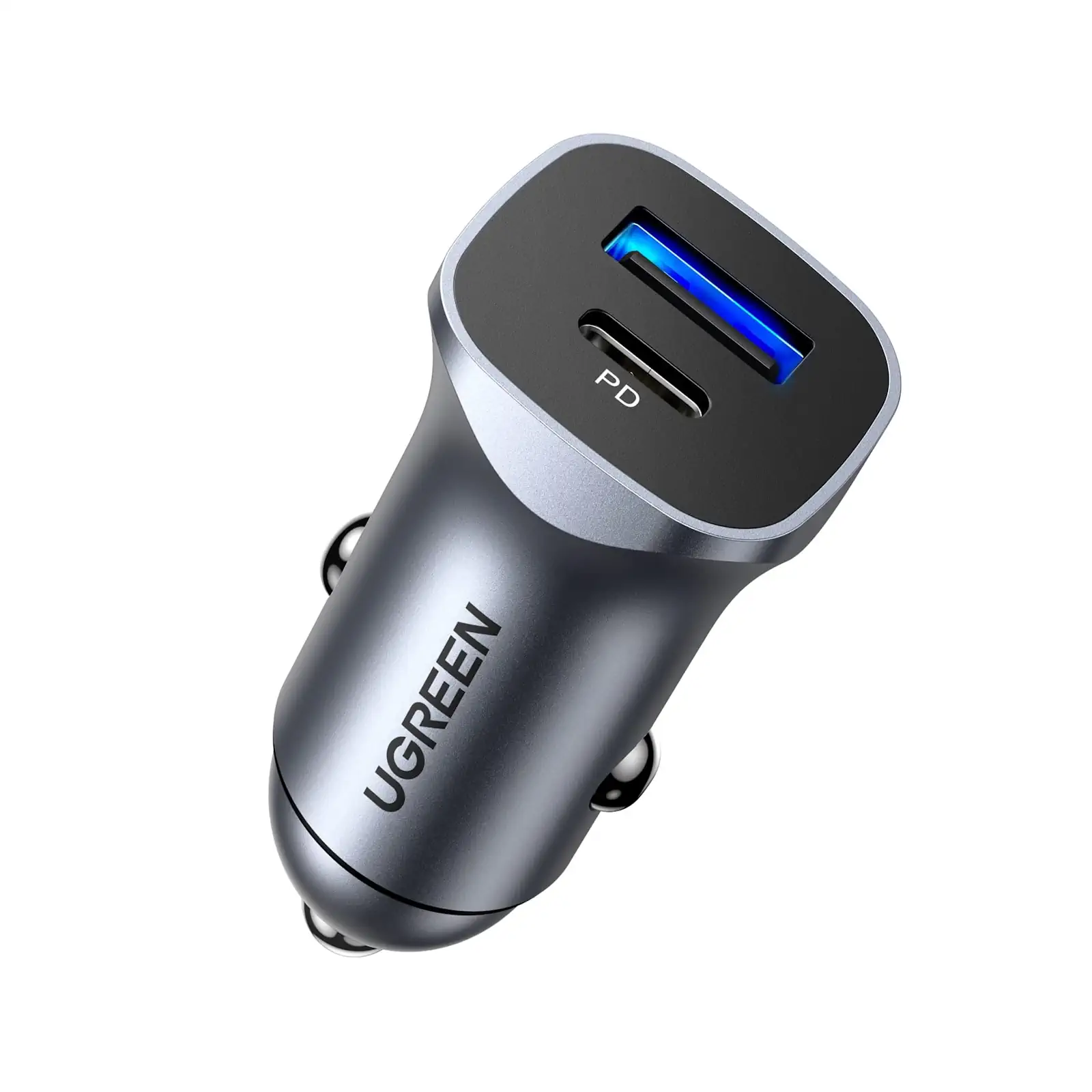
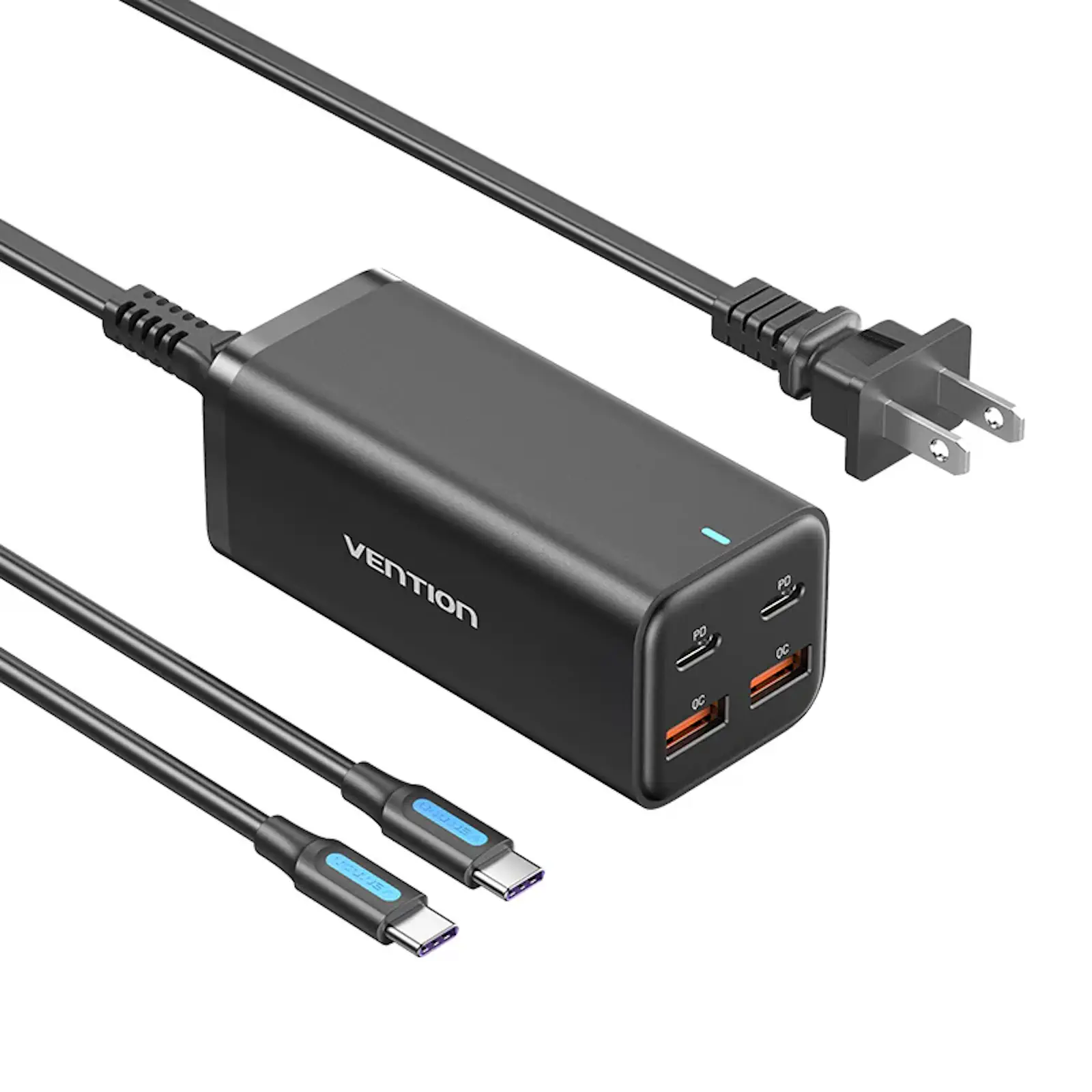
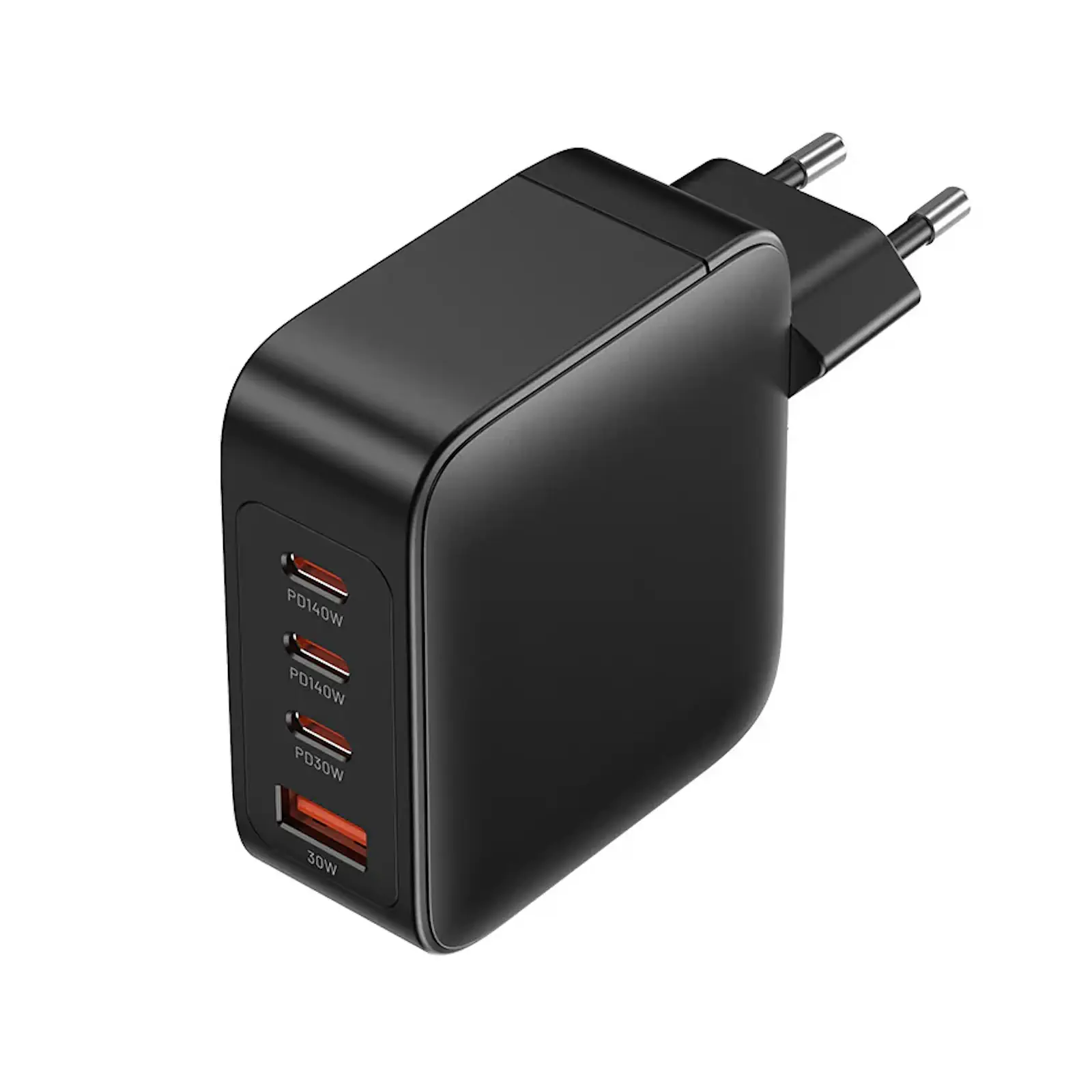
Description UGREEN 70774 65W PD GaN Wall Charger – 4 Ports Package Dimensions 2.56 x 2.56 x 1.3 inches Item Weight 8.8 ounces Connectivity Technology USB Special Feature GaN Technology, 3X Faster Charging Speed, 65W USB C Charger, Multiports USB C Charger Connector Type USB Compatible Devices Compatible with Steam Deck, MacBook Pro 13”/ MacBook Pro 14″ / MacBook Pro 15”/ MacBook Air 13”/ MacBook 12”; HP Spectre/ Zbook; Google Pixelbook; Dell Latitude 7380/XPS 13/15/16; Google Pixelbook, Microsoft Surface Book 2; ThinkPad E490/X390; ASUS ROG zephyrus G14/Zenbook13/14/15; iPhone 14/iPhone 14 Pro/iPhone 14 Pro Max, iPhone 13/ 13 Mini/ 13 Pro/ 13 Pro Max, iPhone 12/ 12 Mini/ 12 Pro/ 12 Pro Max/ XS/ XS Max/ XR/ X/ 11/ 11 Pro/ 11 Pro Max/ iPhone SE 2020/ 8 Plus/ 8; Samsung Galaxy S22 Ultra/ S22 Plus/ S22/ S21 / S21/ S21 Ultra/ S21 FE/ S20 / S20/ S10/ Note 20/ Note 9/ Note 8, Galaxy Z Fold/ Z Flip; Google Pixel 6/ 5/ Pixel 4a/ 4 XL/ 4/ Pixel 3a/ 3a XL/ 3 XL; LG V50/ V60; iPad Pro 12.9”/ iPad Pro 10.5”/ iPad Pro 11”/ iPad Mini Series/ iPad Air Series; Oneplus 9 Pro/9/8T/8 Pro/8, Moto G100/ Edge 20 Pro, Nexus 5X/ 6P, Sony Xperia Pro; AirPods Pro, Nintendo Switch, Oculus, and More Special Features GaN Technology, 3X Faster Charging Speed, 65W USB C Charger, Multiports USB C Charger Other display features Wireless Connectivity technologies USB Understanding Charging Interruptions Q1: Why does it sometimes wake up my device when I plug or unplug a different device? When juggling multiple devices on a single charger, the inevitable charging pause can be perplexing. Fear not, as this brief interruption is a result of intelligent power redistribution. The charger intelligently adjusts power output to protect your device’s battery, ensuring a seamless charging experience. Maximizing Charging Port Performance Q2: How can I get the best performance from all my charging ports? For users with a multitude of devices needing simultaneous charging, strategic port selection is key. To maximize output power: Plug high-power devices like computers and tablets into the C1 and C2 ports. Reserve the C3 and USB-A ports for devices requiring less power. Combining C3 and A ports is not recommended, as it minimizes power output. Fast Charging for Laptops Q3: Which port should I use to fast charge my laptop? The quest for rapid laptop charging leads us to two options: Laptops > 65W: Utilize C1 or C2 ports individually, capable of outputting 100W when used singly. Laptops < 65W: Opt for the C1 or C2 port with C3 or the A port simultaneously. Preventing Device Overheating Q4: What should I do if my device is warm? To maintain optimal device temperature during charging, adhere to these guidelines: Avoid Simultaneous Use and Charging: Refrain from charging your device while actively using it. Unplug Unused Cables: Disconnect cables not in use to prevent unnecessary power flow. Optimal Charging Environment: Place the wall charger in well-ventilated areas, devoid of flammable materials.